ui
Launch the web dashboard for visual skill management.
skillshare ui
Opens http://127.0.0.1:19420 in your default browser.
Flags
| Flag | Default | Description |
|---|---|---|
-p, --project | Run in project mode (uses .skillshare/) | |
-g, --global | Run in global mode (uses ~/.config/skillshare/) | |
--port <port> | 19420 | HTTP server port |
--host <host> | 127.0.0.1 | Bind address (use 0.0.0.0 for Docker) |
--no-open | false | Don't open browser automatically |
If .skillshare/config.yaml exists in the current directory, the dashboard automatically starts in project mode. Use -g to force global mode.
Examples
# Default: opens browser on localhost:19420
skillshare ui

# Project mode (manage .skillshare/ skills)
skillshare ui -p

# Custom port
skillshare ui --port 8080

# Docker / remote access
skillshare ui --host 0.0.0.0 --no-open

# Background mode
skillshare ui --no-open &
Dashboard Pages
| Page | Description |
|---|---|
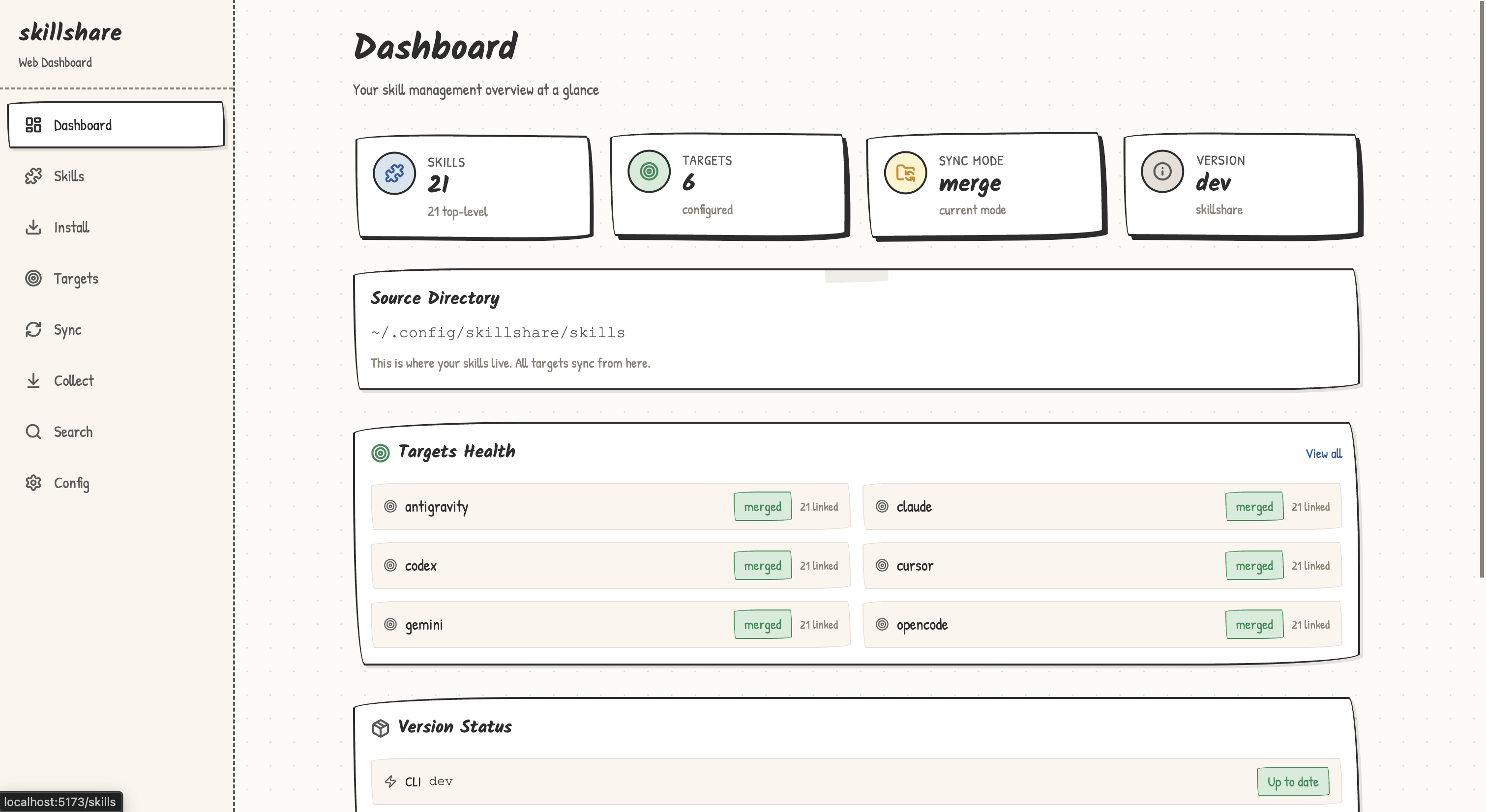
| Dashboard | Overview cards — skill count, target count, sync mode, version |
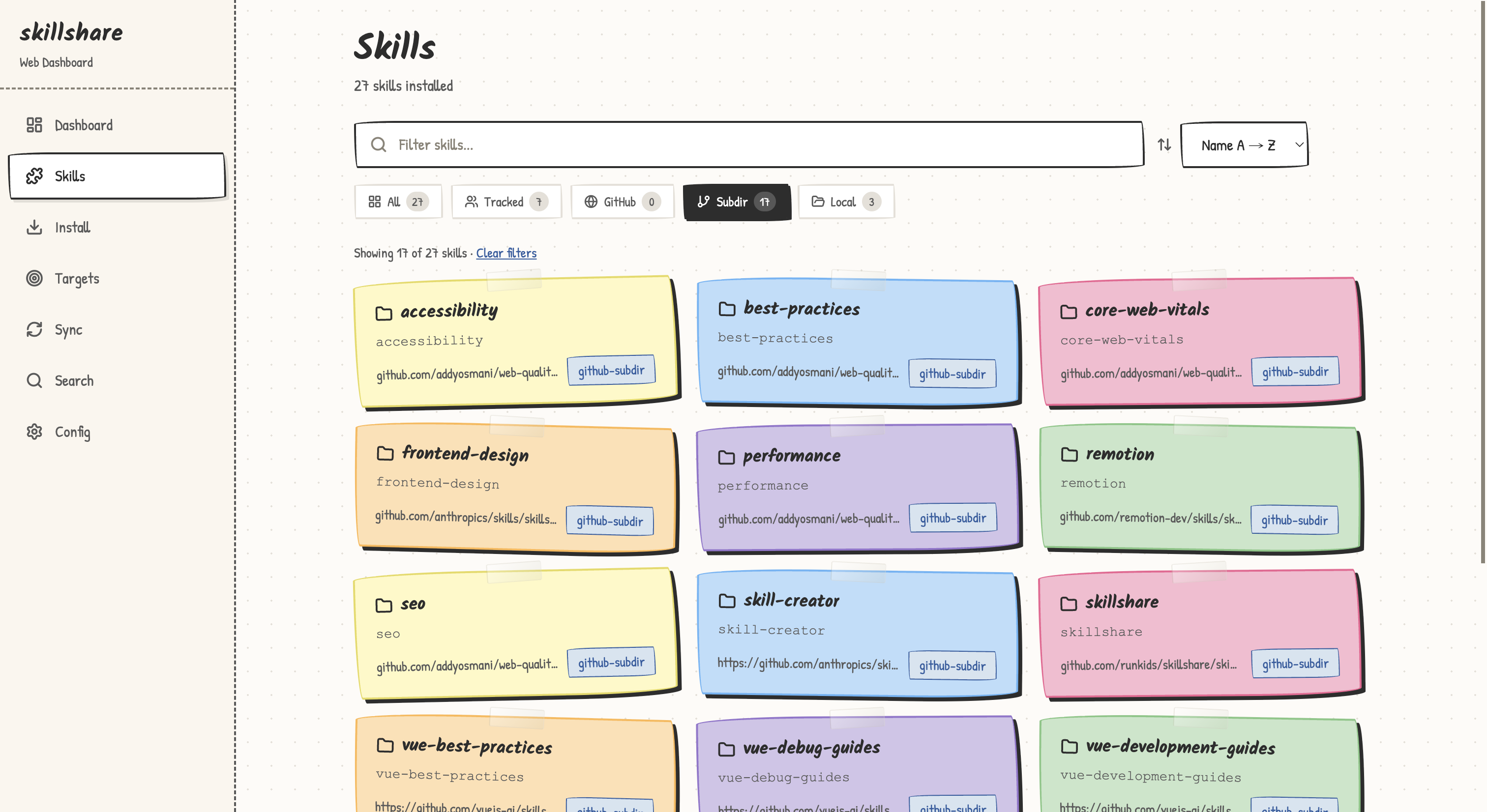
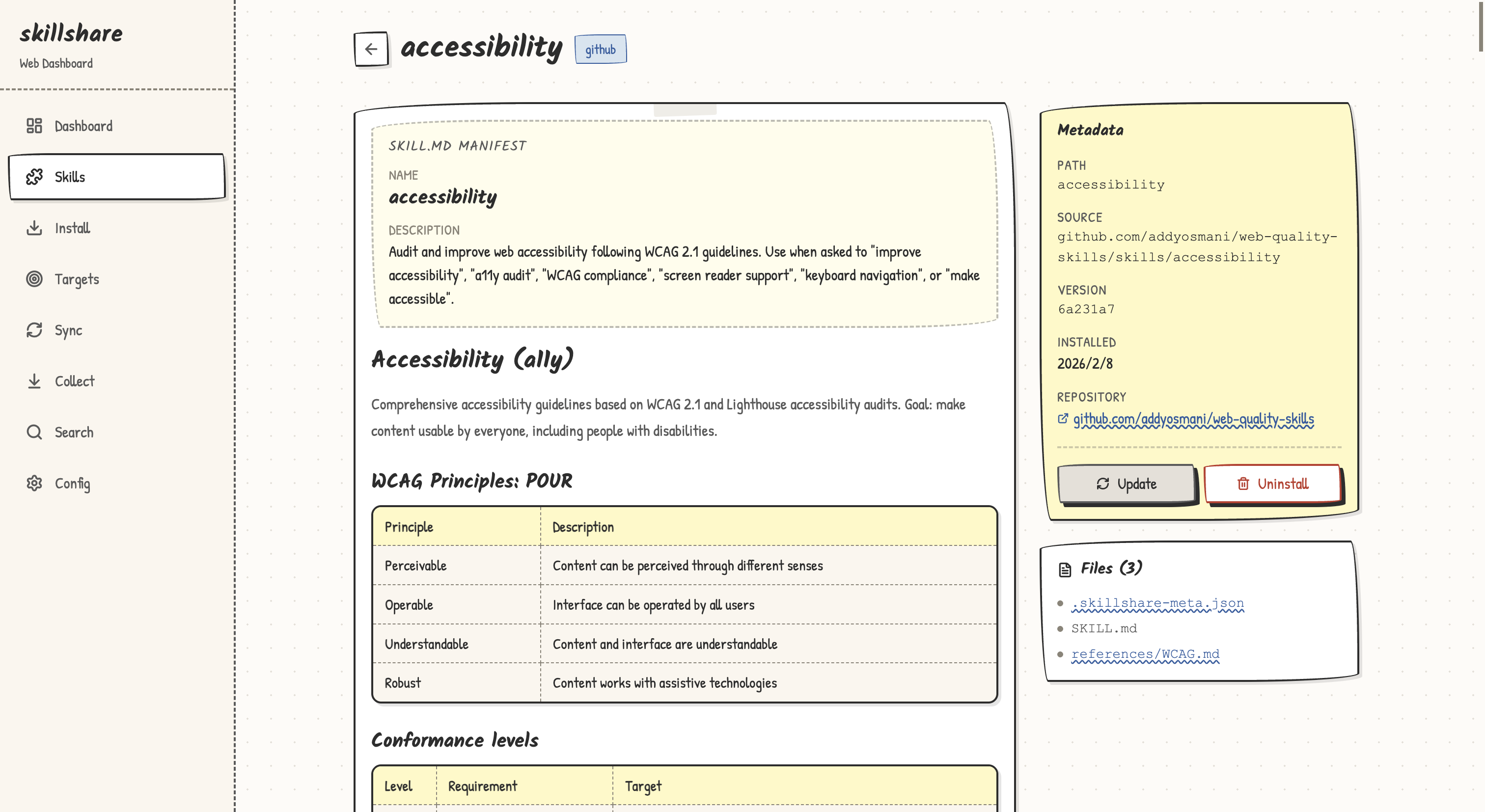
| Skills | Searchable skill grid with metadata. Click to view SKILL.md content |
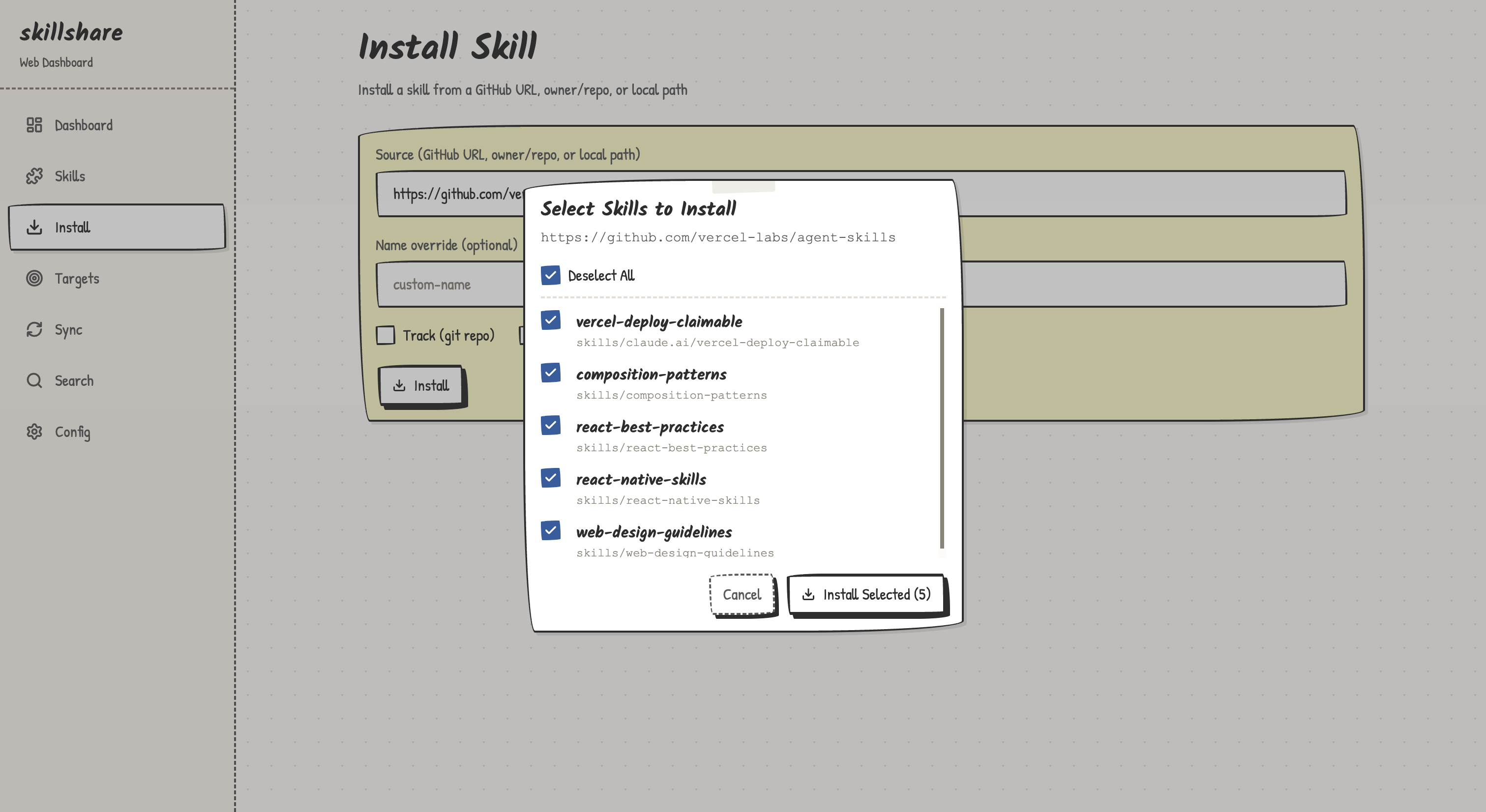
| Install | Install from local path, git URL, or GitHub shorthand |
| Targets | Target list with status badges. Add/remove targets |
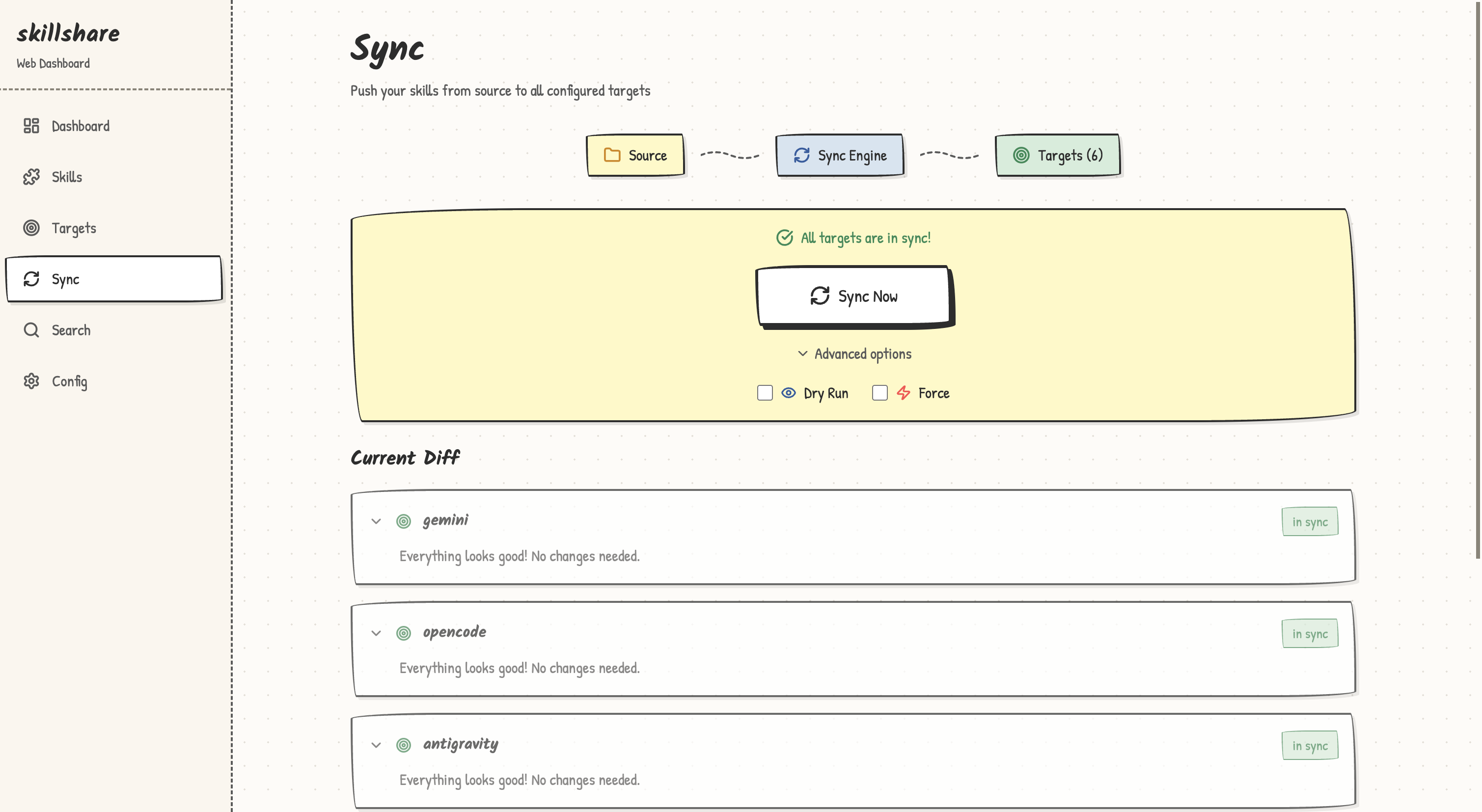
| Sync | Sync controls with dry-run toggle. Diff preview |
| Collect | Scan targets and collect selected skills back to source |
| Backup | View backup list, restore snapshots, and clean up entries |
| Git Sync | Push/pull source repo with dirty-state checks and force pull |
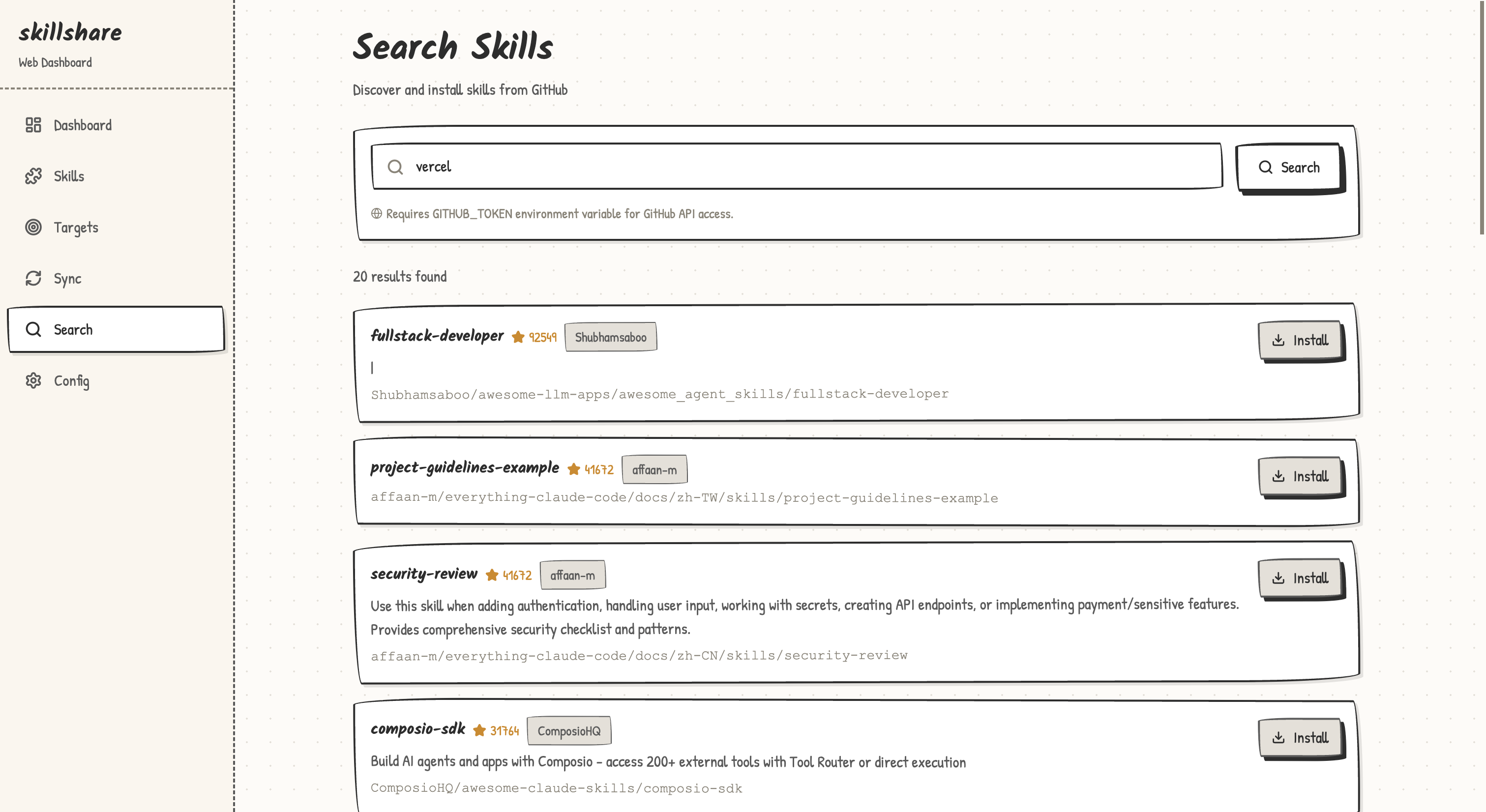
| Search | GitHub skill search with one-click install |
| Config | YAML config editor with validation |
Project Mode Differences
When running in project mode (-p), the dashboard adapts:
- "Project" badge in the sidebar indicates project mode
- Git Sync page is hidden (project skills use the project's own git)
- Backup & Restore page is hidden (use version control instead)
- Tracked Repos section is hidden from Dashboard (not applicable)
- Config page shows
.skillshare/config.yamlinstead of the global config - Available targets lists project-level targets (e.g.,
.claude/skills/relative to project root) - Install automatically reconciles
skills:entries in the project config
UI Preview
REST API
The web dashboard exposes a REST API at /api/. All endpoints return JSON.
| Method | Path | Description |
|---|---|---|
| GET | /api/overview | Skill/target counts, mode, version |
| GET | /api/skills | List all skills with metadata |
| GET | /api/skills/{name} | Skill detail + SKILL.md content |
| DELETE | /api/skills/{name} | Uninstall a skill |
| GET | /api/targets | List targets with status |
| POST | /api/targets | Add a target |
| DELETE | /api/targets/{name} | Remove a target |
| POST | /api/sync | Run sync (supports dryRun, force) |
| GET | /api/diff | Diff between source and targets |
| GET | /api/search?q= | Search GitHub for skills |
| POST | /api/install | Install a skill from source |
| GET | /api/config | Get config as YAML |
| PUT | /api/config | Update config YAML |
Docker Usage
The playground container includes pre-built frontend assets. To use the web UI inside Docker:
make sandbox-up
make sandbox-shell

# Inside container:
skillshare ui --host 0.0.0.0 --no-open
Then open http://localhost:19420 on your host machine (port 19420 is mapped automatically).
Project Mode
The web dashboard fully supports project-level skills:
cd my-project
skillshare ui -p
Or simply skillshare ui if .skillshare/config.yaml exists (auto-detected).
The dashboard reads and writes .skillshare/config.yaml, syncs to project-local targets, and reconciles remote skill entries after install — just like the CLI.
Architecture
The web UI is a single-page React application embedded in the Go binary via go:embed. No external dependencies are needed at runtime — just the skillshare binary.
skillshare ui
  ├── Go HTTP server (net/http)
  │   ├── /api/*    → REST API handlers
  │   └── /*        → Embedded React SPA
  └── Browser opens http://127.0.0.1:19420
Related
- status — CLI status check
- sync — CLI sync command
- Project Setup — Project mode setup guide
- Docker Sandbox — Run UI in Docker